What reconciliation actually compares
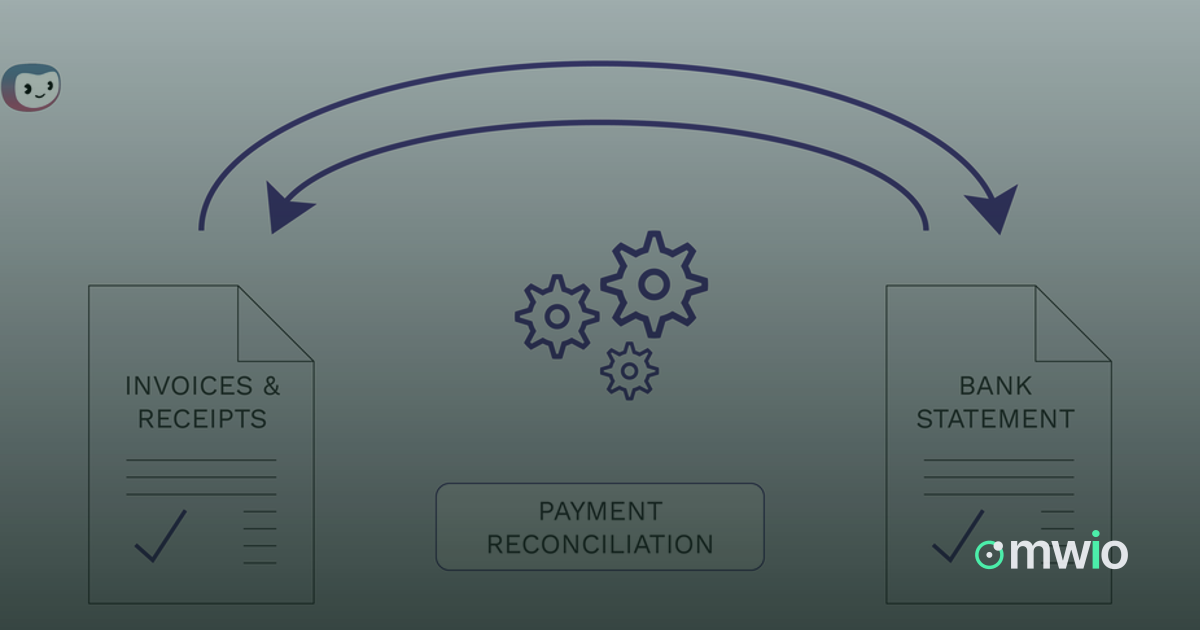
Reconciliation is the process of lining up two records of the same money: the transactions a merchant collected through checkout, and the payouts that eventually land in a bank account or wallet. On paper these should agree, but they are produced by different systems at different times, so someone has to check that every transaction is accounted for in a payout, and that every payout can be traced back to the transactions it contains.
How the matching works
In practice, matching starts from the transaction ledger: captured payments, refunds, chargebacks and fees, each with its own status and timestamp. Payouts are then grouped batches of these transactions, settled by a provider and transferred out over one or more wallets. A clean match means a payout total equals the sum of the transactions assigned to it, minus any fees or reserves that were withheld. Reconciliation tools do this automatically where possible, lining up transaction IDs and amounts against payout batches so a human only has to look at what does not line up.
Where mismatches come from
When a payout total does not match the underlying transactions, the cause is usually one of a limited set of things. It helps to check them in order rather than guessing.
- Timing differences: a transaction was captured after the payout batch was already cut, so it is waiting for the next cycle, not actually missing.
- Fees and reserves: provider or processing fees, and any held reserve, were subtracted from the payout and need to be matched against the fee schedule rather than the gross transaction amount.
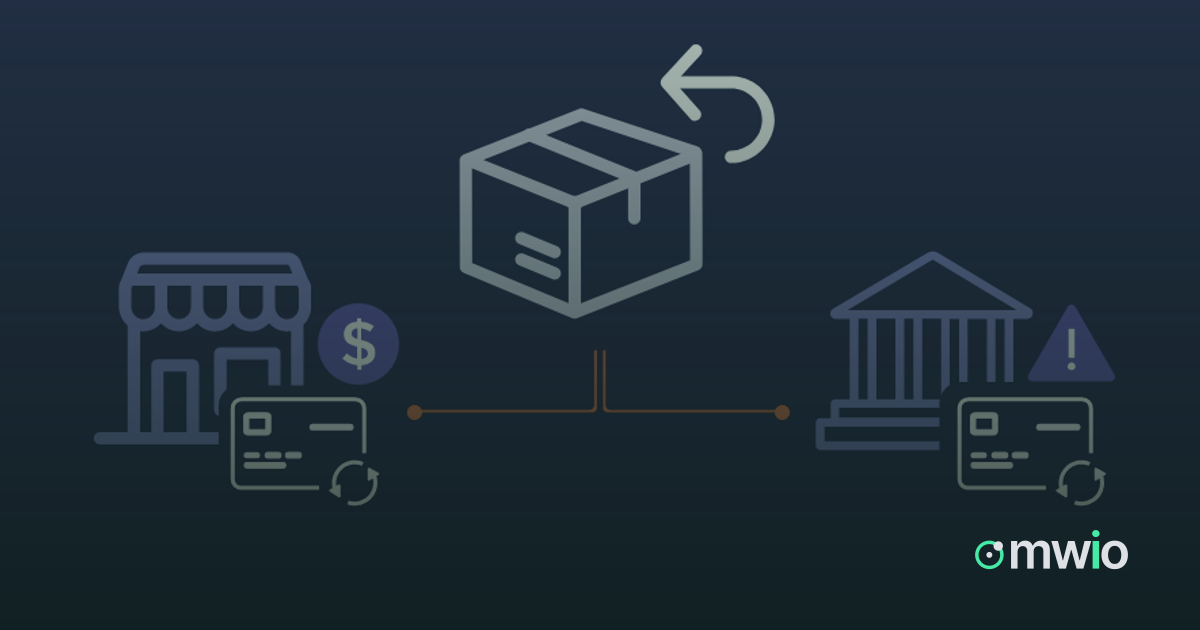
- Refunds and chargebacks: money reversed after the original transaction can be deducted from a later payout rather than the one tied to the original sale.
- Currency conversion: when a transaction and its payout are in different currencies, the conversion rate applied can make a raw amount comparison misleading.
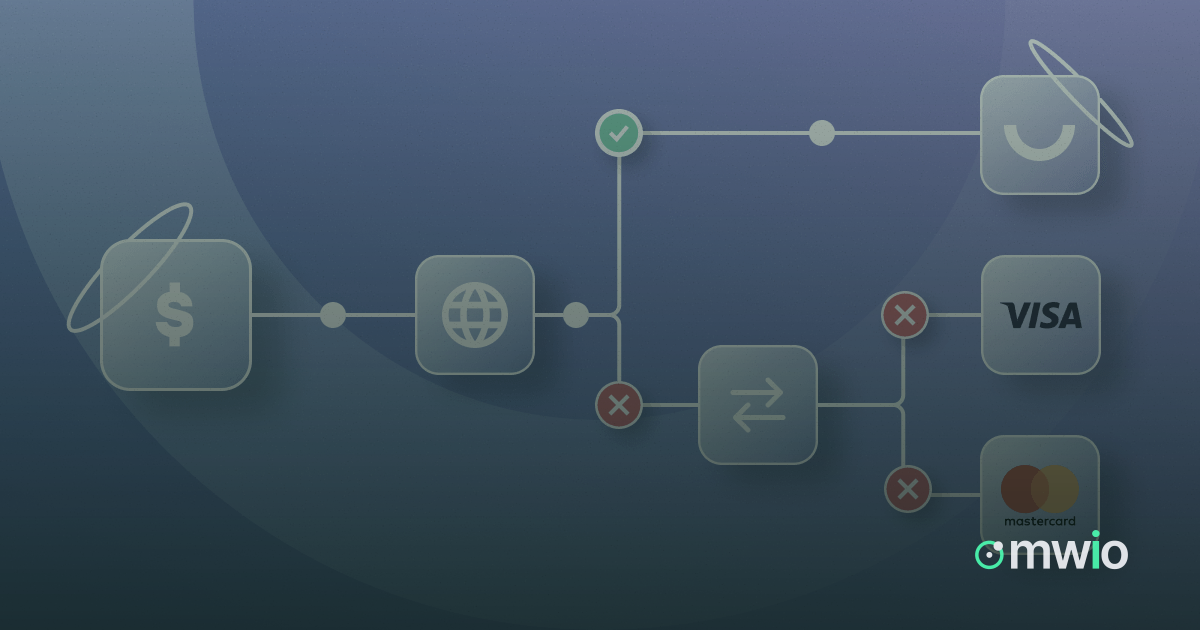
- Routing changes: if a transaction was routed through a different provider than usual, its settlement timing and fee structure may not match what is expected from the default route.
What to check when the numbers do not match
Start from the transaction, not the payout. Pull up the specific transaction record and confirm its status, timestamp and the provider it settled through. Compare that against the payout batch it should belong to: does the batch date fall after the transaction was captured, and does the batch include the fee or reserve line that explains the difference. If a transaction is missing from any payout, check whether it was refunded or charged back, since reversed transactions can shift between payout cycles. If the amounts are close but not exact, check the currency and conversion rate used rather than assuming an error.
Keeping reconciliation routine
Reconciliation is easiest to manage when it happens on a regular cadence rather than only when something looks wrong. Reviewing transactions, wallets and payout batches side by side on a set schedule makes it faster to spot a genuine discrepancy early, while timing differences resolve themselves in the next cycle without anyone needing to chase them. Keeping a record of what was checked and what explained each mismatch also makes the next reconciliation faster, since recurring patterns like fee deductions or currency conversion become familiar rather than alarming.